Polar Camel Ringneck Tumbler Wrap Size Chart and SVG Templates
Short answer: For the Polar Camel 20 oz ringneck LTM72xx family, start with a 10.875 by 4 inch wrap. For the 30 oz LTM73xx family, start with a 12.5 by 4 inch wrap. These are layout starting points, not a guarantee for every blank. Measure the circumference and usable engraving height of your actual cup before production.
Quick specifications
- 20 oz LTM72xx starting wrap
- 10.875 × 4 in (276.225 × 101.6 mm)
- 30 oz LTM73xx starting wrap
- 12.5 × 4 in (317.5 × 101.6 mm)
- File type
- Editable SVG in millimeters
- Final authority
- Physical blank and supplier decoration specification
Ringneck wrap starting dimensions
| Blank family | Circumference | Working height | Before engraving |
|---|---|---|---|
| Polar Camel 20 oz LTM72xx | 10.875 in / 276.225 mm | 4 in / 101.6 mm | Measure usable area below shoulder and above base |
| Polar Camel 30 oz LTM73xx | 12.5 in / 317.5 mm | 4 in / 101.6 mm | Check exact SKU, taper and rotary alignment |
Download the SVG starting layouts
Measure your blank and remove the guide group before engraving.
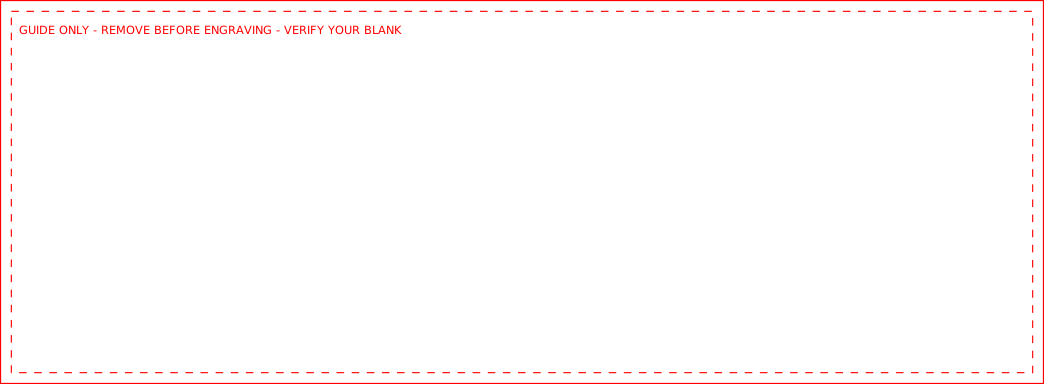
- 20 oz ringneck SVG: 10.875 × 4 inch guide for the LTM72xx family. Includes a removable guide layer.
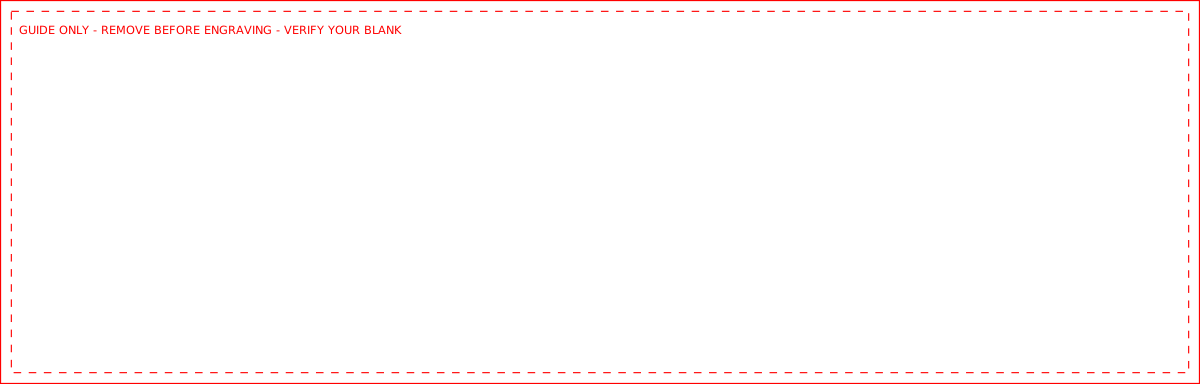
- 30 oz ringneck SVG: 12.5 × 4 inch guide for the LTM73xx family. Includes a removable guide layer.
Production recommendations
- Measure the real cup: Measure the straight, usable band of your actual blank and check the supplier's current specification for its exact SKU. Capacity alone does not establish a wrap size.
- Remove guide paths: The SVG contains visible reference outlines. Put artwork in the ARTWORK layer, then remove the GUIDE REMOVE BEFORE ENGRAVING group before production.
- Test the seam: Import at 1:1 scale, confirm the rotary circumference and origin in your laser software, and run a low-cost physical sample before a customer batch.
Frequently asked questions
- Is every 20 oz tumbler wrap 10.875 inches wide?
- No. This width is a starting point for the specified Polar Camel ringneck family. Other 20 oz styles can have different circumferences and usable heights.
- Can I engrave the downloadable SVG as-is?
- No. The visible outline and label are guides. Add your design, verify scale, then remove the guide layer before sending the file to the laser.
- Does the SVG set up LightBurn or my rotary?
- No. Verify import scale, layer assignment, rotary circumference, origin, focus, material settings, and seam position in your own laser workflow.
Sources
- Polar Camel 20 oz ringneck circumference — accessed 2026-09-29
- Polar Camel 30 oz ringneck circumference — accessed 2026-09-29
- Polar Camel 30 oz engraving area reference — accessed 2026-09-29